
AIProductPhoto
  • Create
  • Results
  • Workflow
  • Boundaries
  • Pricing

AI Product Photo Generator — Professional Product Images in Seconds

Upload a product photo to remove backgrounds, generate branded scenes, batch scene sets, and erase flaws — packaging text and logos stay source-true.

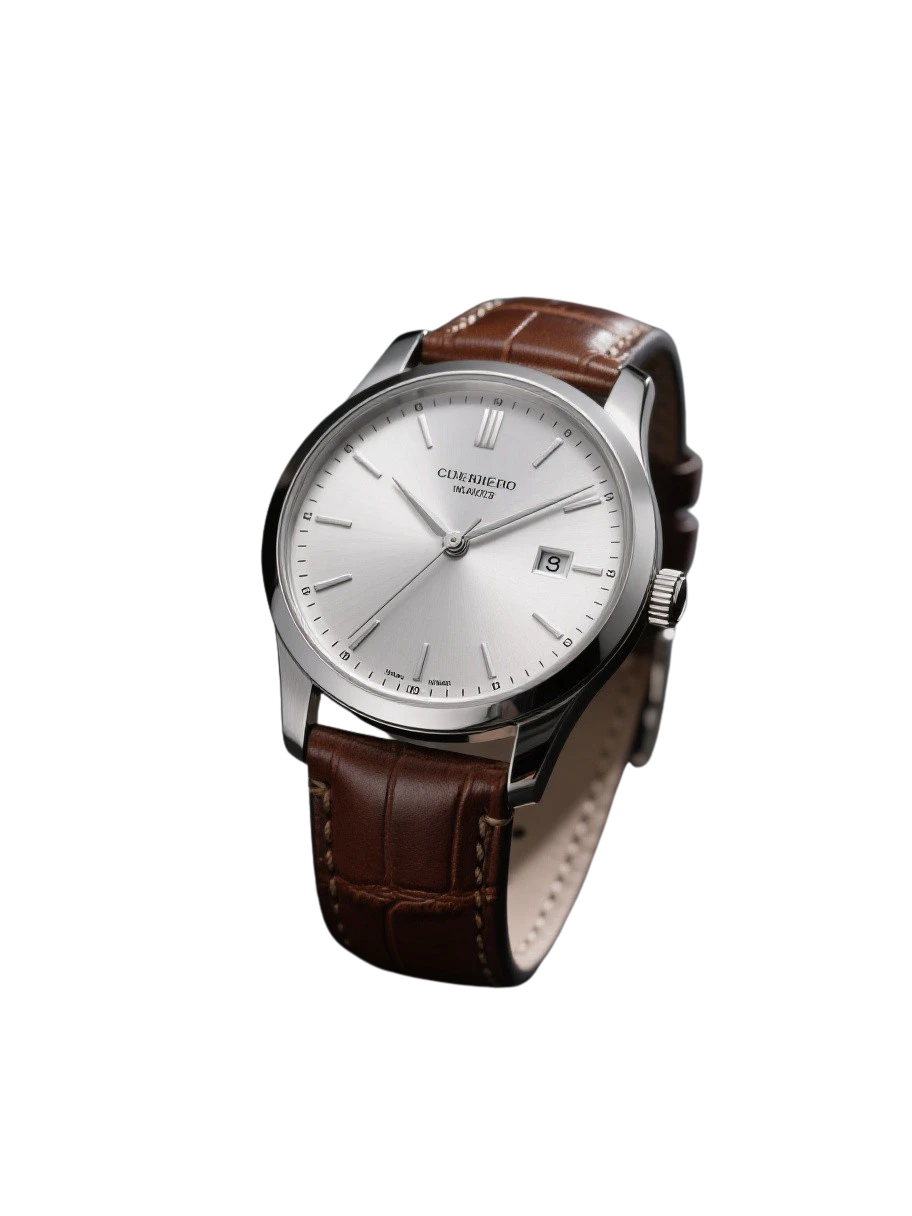
FEATURE PREVIEW · BUSY BACKGROUND → TRANSPARENT

Transparent watch cutout with dial and bracelet edge details preserved
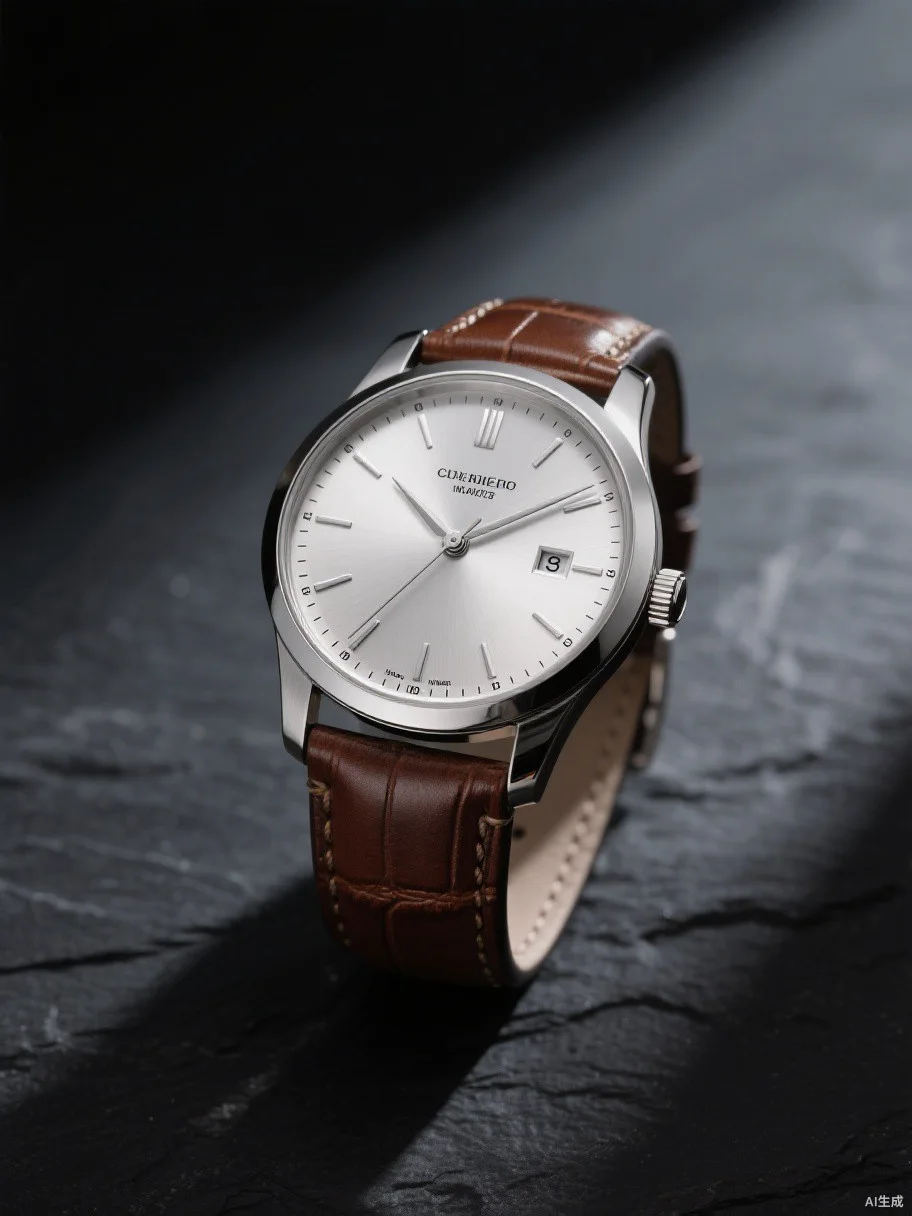
Original watch photograph on a busy background
OriginalTransparent result

A focused one-step workflow isolates a person or product while preserving soft alpha around hair, fur and translucent edges. Export the PNG as a scene reference.

Remove the background. Keep the smallest edge detail.

Upload once to isolate people or products with soft alpha around hair, fur, fibers and translucent edges.

  1. 1Upload
  2. 2Fine-edge matting
  3. 3Export PNG

FIVE TOOLS · ONE STUDIO

Everything you need for product photos.

AIProductPhoto bundles a background remover, a text-to-product-image generator, a product scene generator, a reference-to-scene-set batch tool, and a magic eraser into one workspace — so an ecommerce team can go from raw shots to launch-ready creatives without leaving the page.

Background Remover

Erase the background from any product photo or portrait in one click and export a transparent PNG with fine-edge detail — hair, fur, and translucent edges preserved.

Marketplace cutoutsWhite-background complianceTransparent referencesCompositing prep
Remove a background

Text to Product Image

Describe the product, the mood, and the setting — the generator renders a photorealistic, campaign-ready product photo in seconds.

SKU concept visualizationAd creative variantsLanding-page heroesPackaging mood boards
Generate from text

Product Scene Generator

AI composes a premium campaign backdrop while your packaging, logo, shape, and colors are composited back pixel-perfect — every label character stays as photographed.

Catalog-to-lifestyle upgradesSeasonal campaignsBackground A/B testingHoliday refreshes
Generate a scene

Reference to Scene Set

One reference photo becomes a coordinated batch of distinct scenes with consistent lighting, scale, and brand tone — ready for listings, ads, and social.

Storefront visual setsMulti-channel launchesSocial gridsA+ content variety
Build a scene set

Magic Eraser

Brush over unwanted objects, people, watermarks, text, or blemishes — an online inpainting model fills the region with matching texture, lighting, and perspective.

Watermark removalDeclutter backgroundsFlat-lay cleanupScan restoration
Erase an object
7 / 7Beauty labels passed validation
3.7 sMedian background generation time
0Product pixels sent to the background model

THE PRODUCT LOCK

Confine AI to what it is actually good at.

The background can be imagined; the product must be exact. We split generation from compositing — the model owns mood, material, and lighting, while the source owns every character on the packaging.

Packaging text & logos preserved as-is
Product shape, color, and components not redrawn
Transparent mask preview before compositing
Source product
Source productINPUT
Transparent cutout
Transparent cutoutLOCK
Brand scene
Brand sceneOUTPUT

VALIDATED OUTPUTS

Real results from one pipeline, not concept art.

These assets come from internal model validation and are for local prototyping only. They will be replaced with owned or licensed product images before public launch.

Mascara set
Mascara setBEAUTY CAMPAIGN · 01
Eye cream hero
Eye cream heroSKINCARE · 02
Tilted bottle study
Tilted bottle studyEDITORIAL · 03
Serum dropper studio shot
Serum dropper studio shotSERUM · 04

THREE CONTROLLED STEPS

From white-background to launch-ready in three steps.

01

Drop in product

Upload a white or light-background product shot. Verify the packaging text and product edges first.

02

Build background

Gemini generates only the empty scene without touching product pixels, so labels and logos stay intact.

03

Lock & composite

Deterministic local cutout, scale, positioning, and compositing into a storefront-ready output.

CLEAR BOUNDARIES

What it can and cannot do.

What is an AI product photo generator?+

An AI product photo generator creates professional product images for ecommerce using artificial intelligence. AIProductPhoto combines five tools in one workspace: a background remover for transparent cutouts, a text-to-product-image generator, a product scene generator that rebuilds backgrounds while keeping your product source-true, a reference-to-scene-set batch tool, and a magic eraser for removing unwanted objects.

Can I remove the background from a product photo for free?+

Yes. New accounts receive free credits that cover your first background removals. The background remover charges by the longest edge of the source image, so a standard marketplace photo costs only a few credits — and failed processing is automatically refunded.

How do I create lifestyle backgrounds for my product photos?+

Upload a clean product shot to the Product Scene Generator, then pick a scene direction or describe your own — marble podium, botanical set, seasonal props. The AI composes the backdrop while your original packaging, logo, and colors are composited back in, so labels stay exactly as photographed.

Can AI remove watermarks or unwanted objects from photos?+

Yes. Open the Magic Eraser, brush over the watermark, logo, or object you want gone, and an online inpainting model fills the region with matching texture, lighting, and perspective. Source files are not stored beyond the credit audit.

Will AI alter my packaging text?+

No. Your product image is never sent to the background model. Packaging text and logos come from the source cutout; the model only generates the empty backdrop.

What source images work best?+

White or light-gray backgrounds with crisp product edges work best. Low-contrast items like transparent bottles or white pump heads get a mask preview and a correction entry point.

Can it replace all product photography?+

The first release focuses on storefront hero images, ad creatives, and social square assets. Arbitrary-angle repaints, model outfit swaps, and true relighting are not in the current scope.

How much does each image cost?+

Phase 0B Google reference output is about $0.034 per background. TokenRouter actual billing and final packages will be confirmed before launch.

YOUR FIRST CAMPAIGN FRAME

Validate one product image before you build a whole product around it.

Start creating
AIProductPhoto

AI builds the scene. Your source image keeps the product true. Made for ads and social campaigns.

CreateResultsWorkflowPricingPrivacyTermsContact us
© 2026 AIProductPhoto.Premium AI product photography for global commerce.